
Choosing the best laptop for photo editing is important if you want accurate colors, fast performance, and a smooth editing experience. Whether you use Photoshop, Lightroom, or other tools, your laptop should handle high-resolution images without lag.
This guide is written in simple English and focuses on real-world usability, so you can confidently pick the right laptop for your needs.
Overview of the Best Laptop for Photo Editing
The best laptop for photo editing should offer:
- A high-resolution, color-accurate display
- A powerful processor (CPU)
- Dedicated or strong integrated graphics (GPU)
- Enough RAM (at least 16GB recommended)
- Fast SSD storage
Photo editing is not just about speed—it’s about color accuracy and consistency, which many beginners ignore.
Top Picks: Best Laptop for Photo Editing (USA Models)
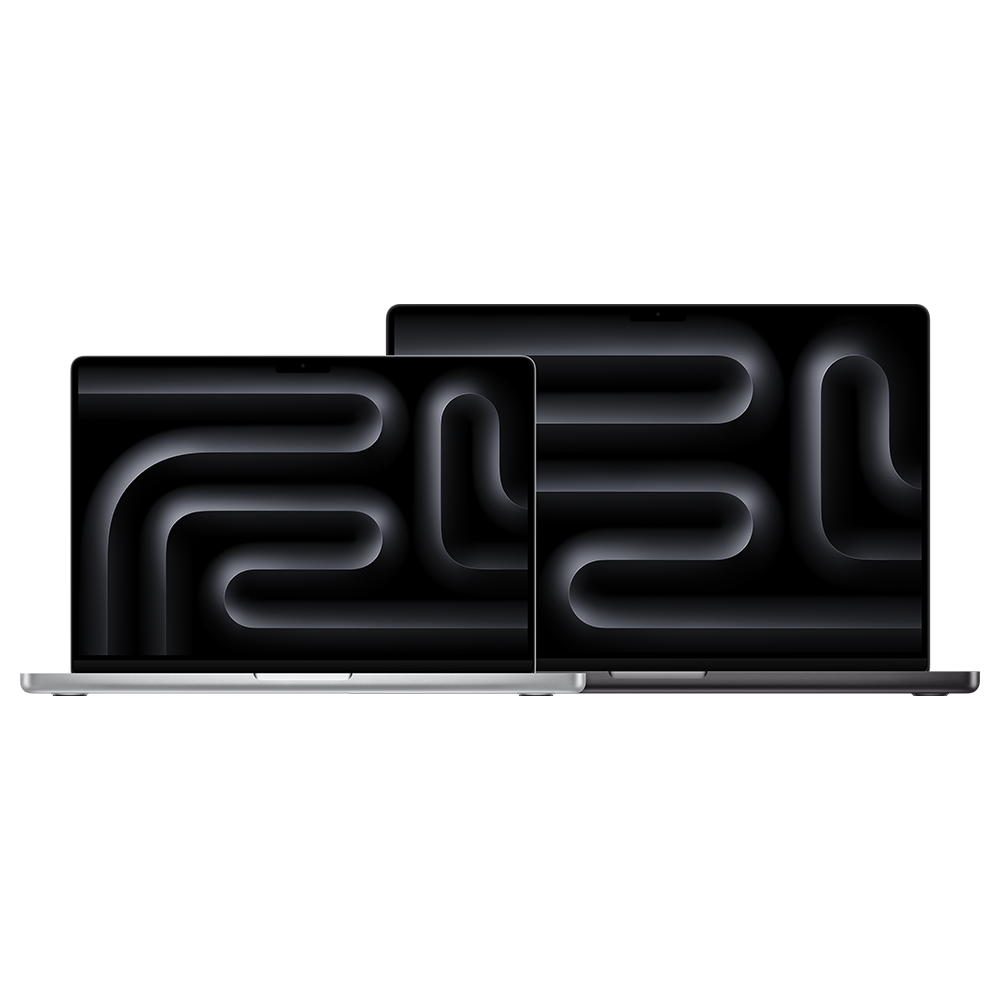
1. Apple MacBook Pro 16-inch (M3 Pro)
Specifications:
- Display: 16.2-inch Liquid Retina XDR
- Processor: Apple M3 Pro chip
- RAM: 18GB / 36GB
- Storage: 512GB – 2TB SSD
- Battery: Up to 18 hours
Why it’s great:
- Industry-leading color accuracy
- Extremely fast for Lightroom & Photoshop
- Silent and power-efficient
2. Dell XPS 15 (9530)

Specifications:
- Display: 15.6-inch 3.5K OLED
- Processor: Intel Core i7-13700H
- GPU: NVIDIA RTX 4050
- RAM: 16GB / 32GB
- Storage: 512GB – 1TB SSD
Why it’s great:
- Stunning OLED display
- Slim and premium design
- Strong performance for editing and multitasking
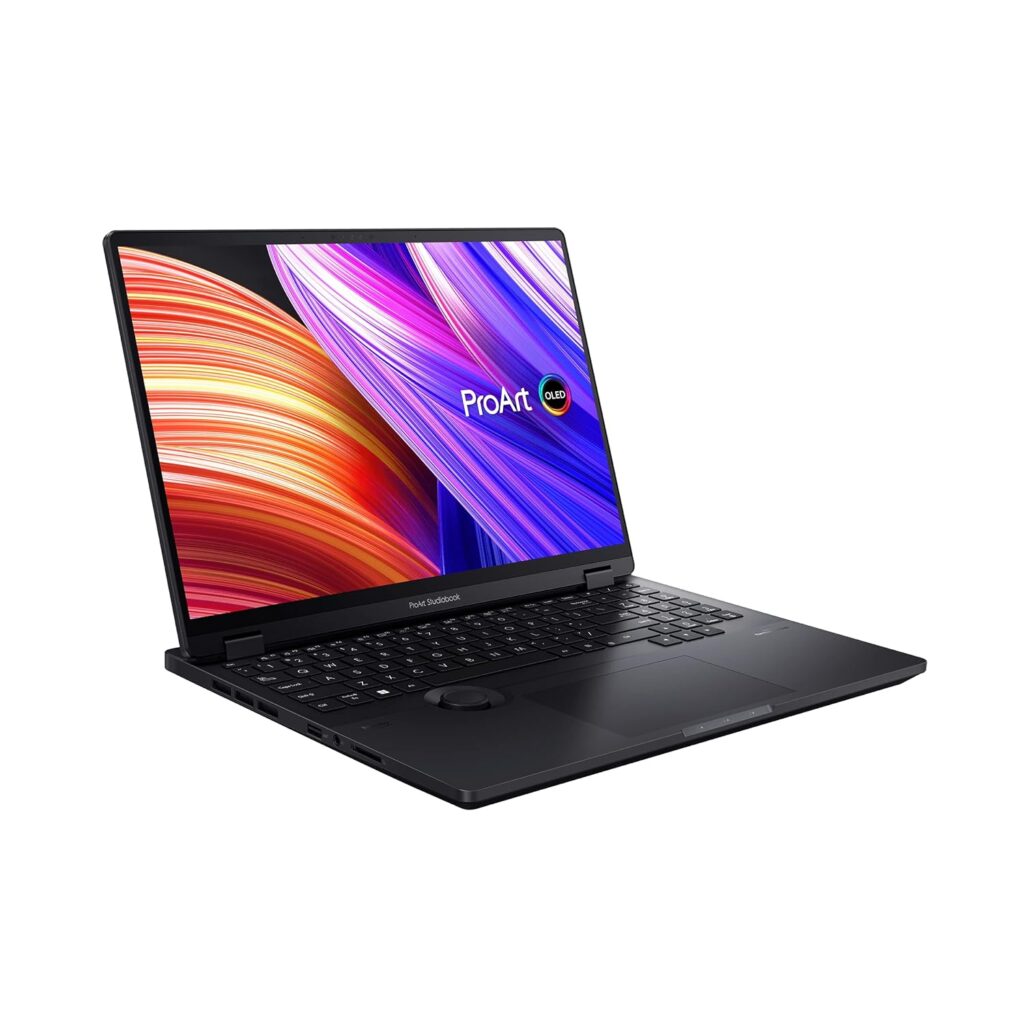
3. ASUS ProArt Studiobook 16 OLED
Specifications:
- Display: 16-inch 4K OLED
- Processor: AMD Ryzen 9
- GPU: NVIDIA RTX 4060
- RAM: 32GB
- Storage: 1TB SSD
Why it’s great:
- Designed specifically for creators
- Excellent color accuracy (100% DCI-P3)
- Powerful for heavy editing workflows
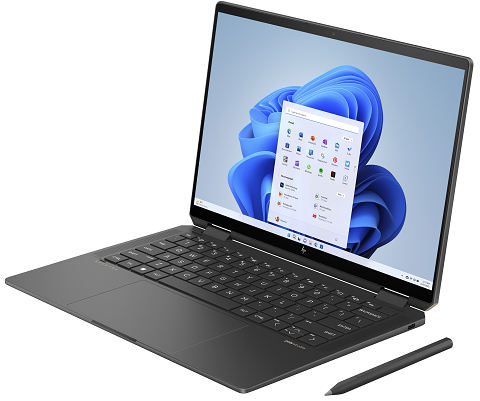
4. HP Spectre x360 14
Specifications:
- Display: 13.5-inch OLED
- Processor: Intel Core i7
- RAM: 16GB
- Storage: 1TB SSD
Why it’s great:
- 2-in-1 design for flexibility
- Good display for light photo editing
- Portable and stylish
5. Lenovo Legion 5 Pro
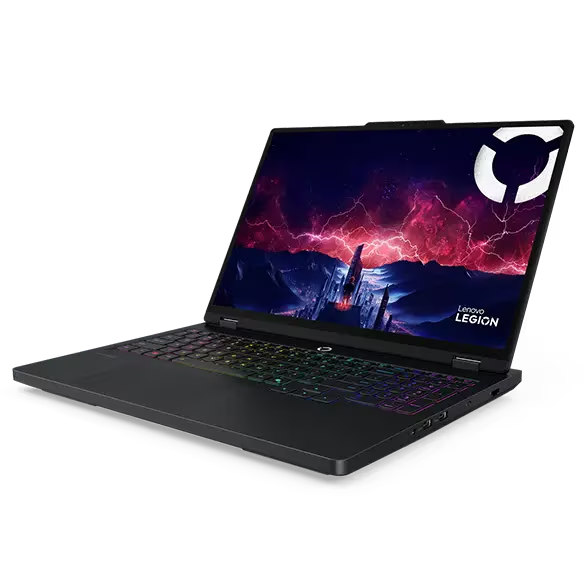
Specifications:
- Display: 16-inch QHD IPS
- Processor: AMD Ryzen 7
- GPU: NVIDIA RTX 4060
- RAM: 16GB / 32GB
- Storage: 1TB SSD
Why it’s great:
- Powerful hardware at a lower price
- Good for editing + gaming
- Solid thermal performance
Display Quality (Most Important Factor)
Display is the most critical part of any best laptop for photo editing.
Look for:
- Minimum Full HD (prefer 2K or 4K)
- 100% sRGB or DCI-P3 color gamut
- IPS or OLED panels
- Good brightness (400 nits or more)
Pro Tip: OLED displays offer deeper blacks and more vibrant colors, which is ideal for editing.
Performance (CPU, GPU, RAM)
For smooth editing:
- CPU: Intel i7 / Ryzen 7 / Apple M-series
- RAM: Minimum 16GB (32GB for professionals)
- GPU: Helpful for advanced editing and effects
If you work with RAW files or large projects, performance becomes even more important.
Cooling and Thermal Performance
Photo editing can stress your system, especially during exports.
- Laptops like ASUS ProArt and Lenovo Legion have strong cooling
- Thin laptops may heat up under heavy load
- Good cooling = better long-term performance
Battery Life
Battery matters if you work on the go.
- MacBook Pro offers the best battery life
- Windows laptops typically last 6–10 hours
- OLED displays consume more power
If portability is important, prioritize battery optimization.
Best Laptop for Photo Editing – Compact Specs Table
| Laptop | Display | CPU / GPU | RAM / Storage | Battery |
|---|---|---|---|---|
| Apple MacBook Pro 16-inch (M3 Pro) | 16.2″ XDR | M3 Pro / Apple GPU | 18–36GB / 512GB–2TB | Up to 18h |
| Dell XPS 15 (9530) | 15.6″ OLED | i7-13700H / RTX 4050 | 16–32GB / 512GB–1TB | 8–10h |
| ASUS ProArt Studiobook 16 OLED | 16″ 4K OLED | Ryzen 9 / RTX 4060 | 16–32GB / 1TB | 6–8h |
| HP Spectre x360 14 | 13.5″ OLED | i7 / Iris Xe | 16GB / 1TB | 10–12h |
| Lenovo Legion 5 Pro | 16″ QHD | Ryzen 7 / RTX 4060 | 16–32GB / 1TB | 5–7h |
Final Verdict: Which is the Best Laptop for Photo Editing?
The best laptop for photo editing depends on your budget and needs:
- Best overall: Apple MacBook Pro 16-inch (M3 Pro)
- Best Windows option: Dell XPS 15
- Best for creators: ASUS ProArt Studiobook
- Best budget-performance balance: Lenovo Legion 5 Pro
If you are a beginner, start with a laptop that has:
- At least 16GB RAM
- SSD storage
- A color-accurate display
This will give you a smooth and reliable editing experience without overspending.