
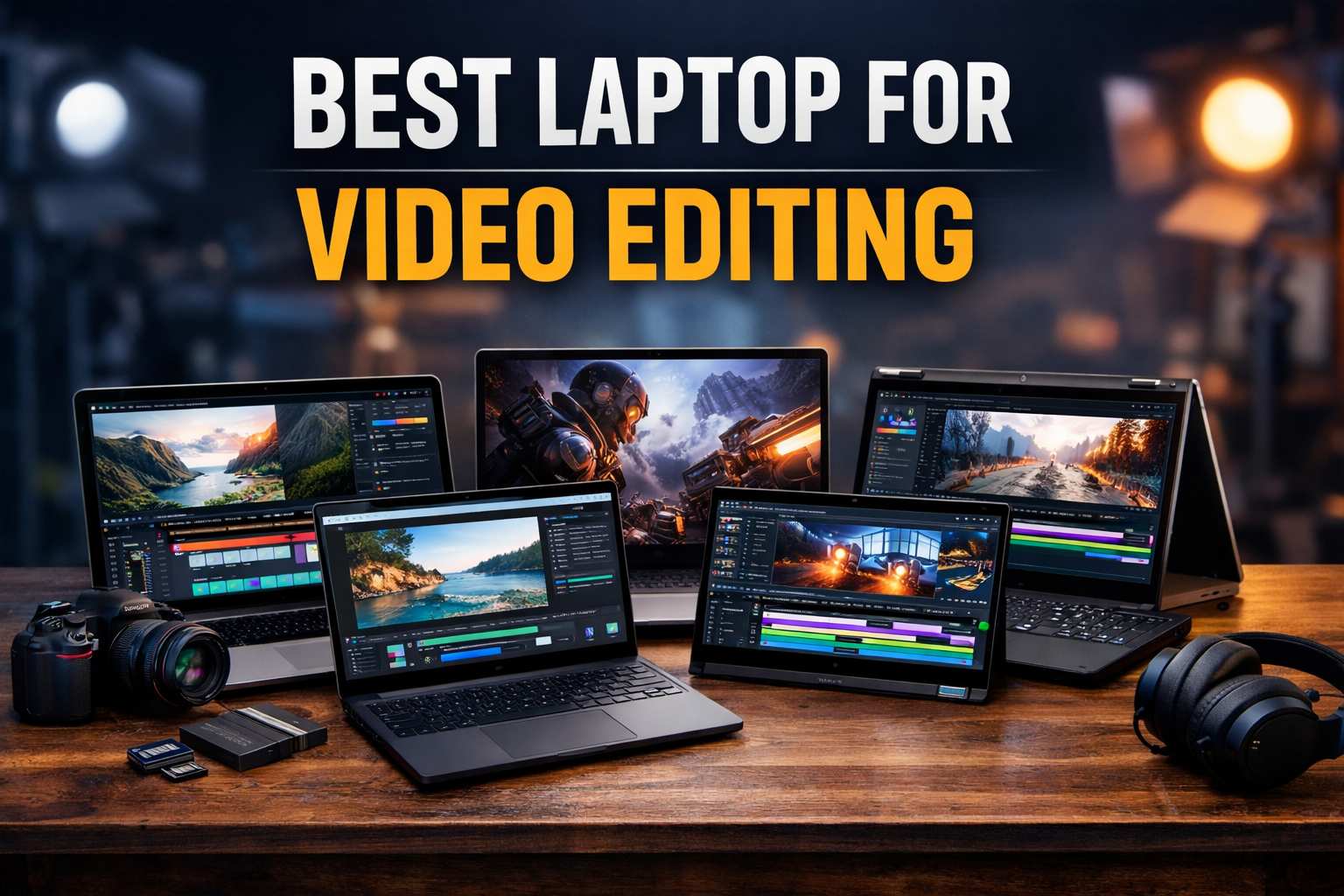
Choosing the best laptop for video editing is not just about buying an expensive machine—it’s about finding the right balance between performance, display quality, and reliability. Whether you are a beginner YouTuber or a professional editor working with 4K footage, the right laptop can save hours of rendering time and make your workflow smooth.
In this guide, I’ll break everything down in simple terms and recommend the best laptop for video editing based on real-world use, not just specs.
Overview: What Makes the Best Laptop for Video Editing?
Before jumping into recommendations, you need to understand what matters:
- Processor (CPU): Intel i7/i9 or Apple M-series for fast editing
- Graphics (GPU): Dedicated GPU (RTX series or Apple GPU) for rendering
- RAM: Minimum 16GB (32GB recommended for heavy editing)
- Storage: SSD (at least 512GB, ideally 1TB)
- Display: High-resolution (2K/4K), color accurate
If your laptop lacks any of these, video editing will feel slow and frustrating.
Best Laptop for Video Editing – Top Picks (With Specs)
1. Apple MacBook Pro 16-inch M3 Max
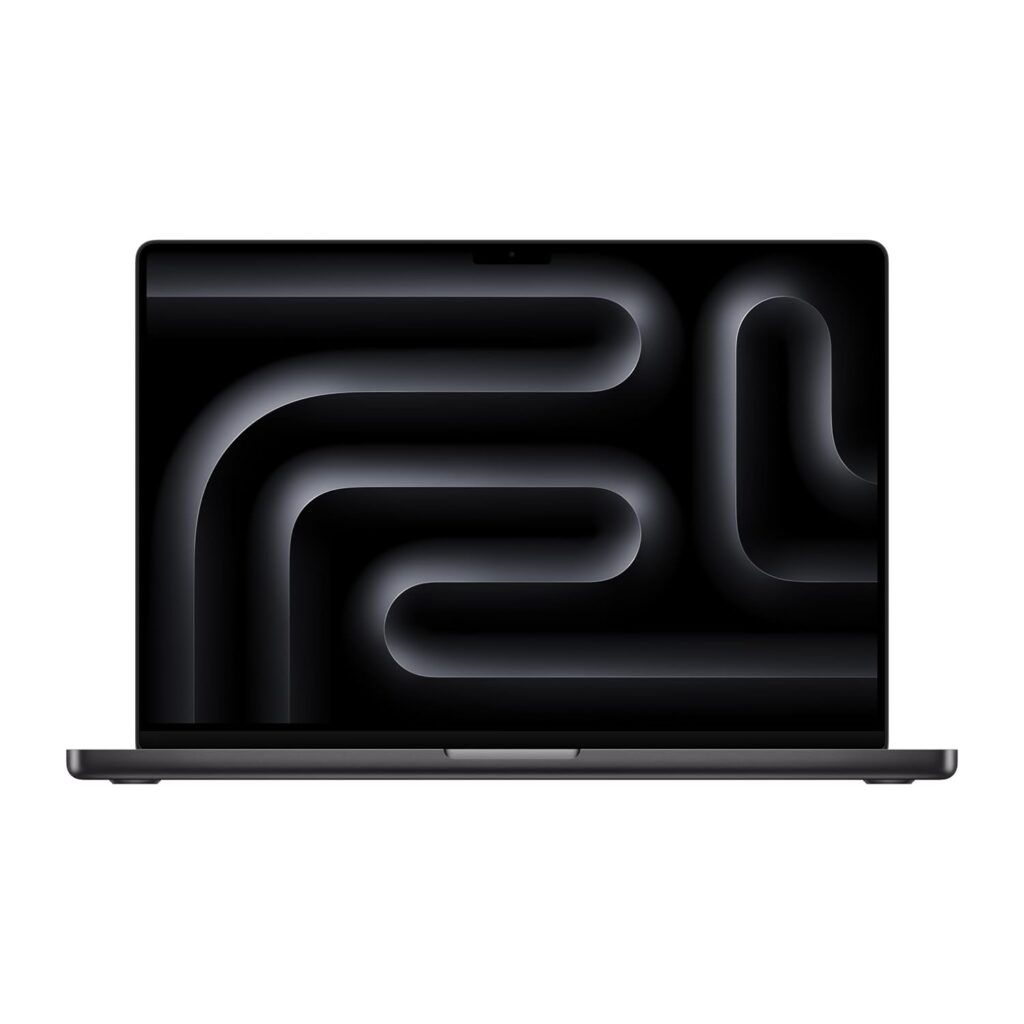
Best overall laptop for video editing
Specifications:
- Processor: Apple M3 Max chip
- RAM: 36GB / 48GB
- Storage: 1TB SSD
- Display: 16.2-inch Liquid Retina XDR
- GPU: Integrated (extremely powerful)
- Battery: Up to 18 hours
Design
Premium aluminum build, slim, and professional look.
Display
One of the most color-accurate displays in any laptop—perfect for video editors.
Performance
Handles 4K and even 8K editing smoothly. No lag, even with heavy timelines.
Gaming Experience
Not built for gaming, but it can handle casual gaming easily.
Cooling
Excellent thermal efficiency due to Apple silicon.
Battery Life
Outstanding—great for editing on the go.
Pros
- Industry-leading performance
- Best display for editors
- Long battery life
Cons
- Expensive
- Limited software compatibility outside macOS
Final Verdict
If budget is not a concern, this is the best laptop for video editing overa
2. Dell XPS 15 (9530)
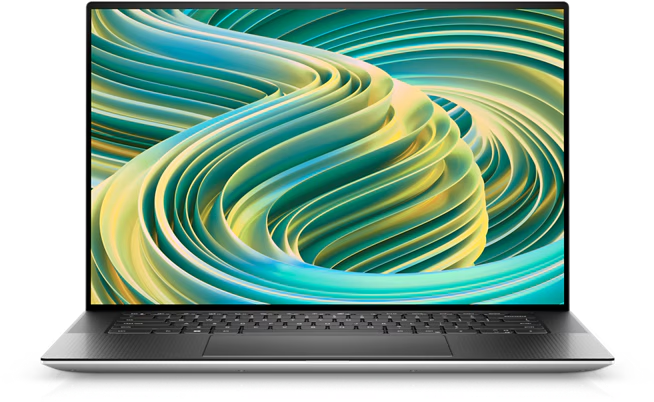
Best Windows laptop for video editing
Specifications:
- Processor: Intel Core i7-13700H
- RAM: 16GB / 32GB
- Storage: 512GB / 1TB SSD
- GPU: NVIDIA RTX 4060
- Display: 15.6-inch 3.5K OLED
Design
Minimal and premium with a slim profile.
Display
OLED screen offers excellent contrast and color accuracy.
Performance
Smooth performance for 4K editing and rendering tasks.
Gaming Experience
Can handle modern games at medium-high settings.
Cooling
Good, but can get warm during heavy workloads.
Battery Life
Decent for a performance laptop.
Pros
- Beautiful OLED display
- Strong performance
- Premium build
Cons
- Expensive for specs
- Limited ports
Final Verdict
A strong Windows alternative and one of the best laptops for video editing.
3. ASUS ROG Zephyrus G14 (2024)
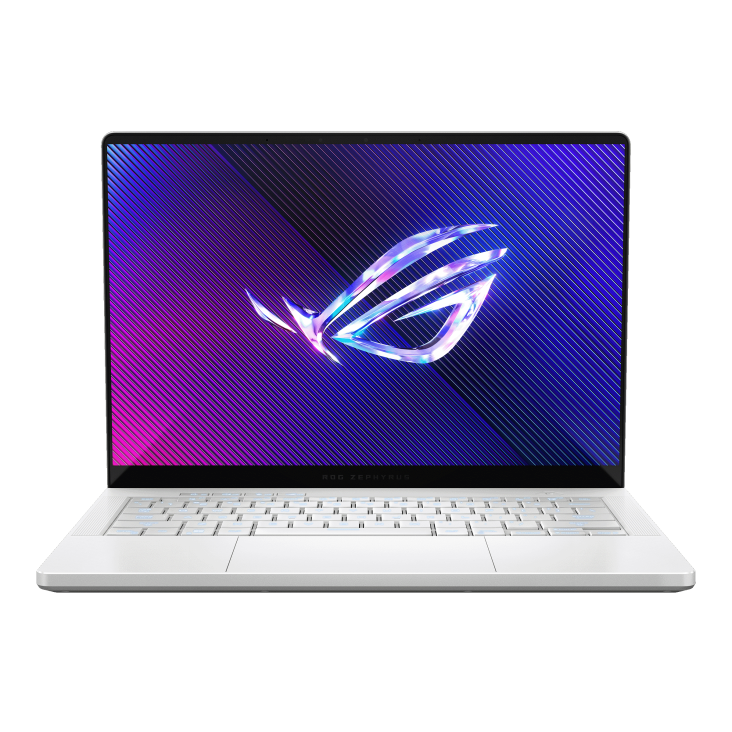
Best performance laptop for video editing under budget
Specifications:
- Processor: AMD Ryzen 9 8945HS
- RAM: 16GB / 32GB
- Storage: 1TB SSD
- GPU: NVIDIA RTX 4060 / 4070
- Display: 14-inch QHD+
Design
Compact and stylish gaming laptop.
Display
Sharp and vibrant with good color accuracy.
Performance
Excellent for video editing and multitasking.
Gaming Experience
One of the best gaming + editing laptops.
Cooling
Efficient cooling system.
Battery Life
Good for a powerful laptop.
Pros
- Great value for money
- Powerful GPU
- Portable
Cons
- Smaller screen
- Fan noise under load
Final Verdict
A balanced choice if you want power without overspending.
4. HP Spectre x360 16
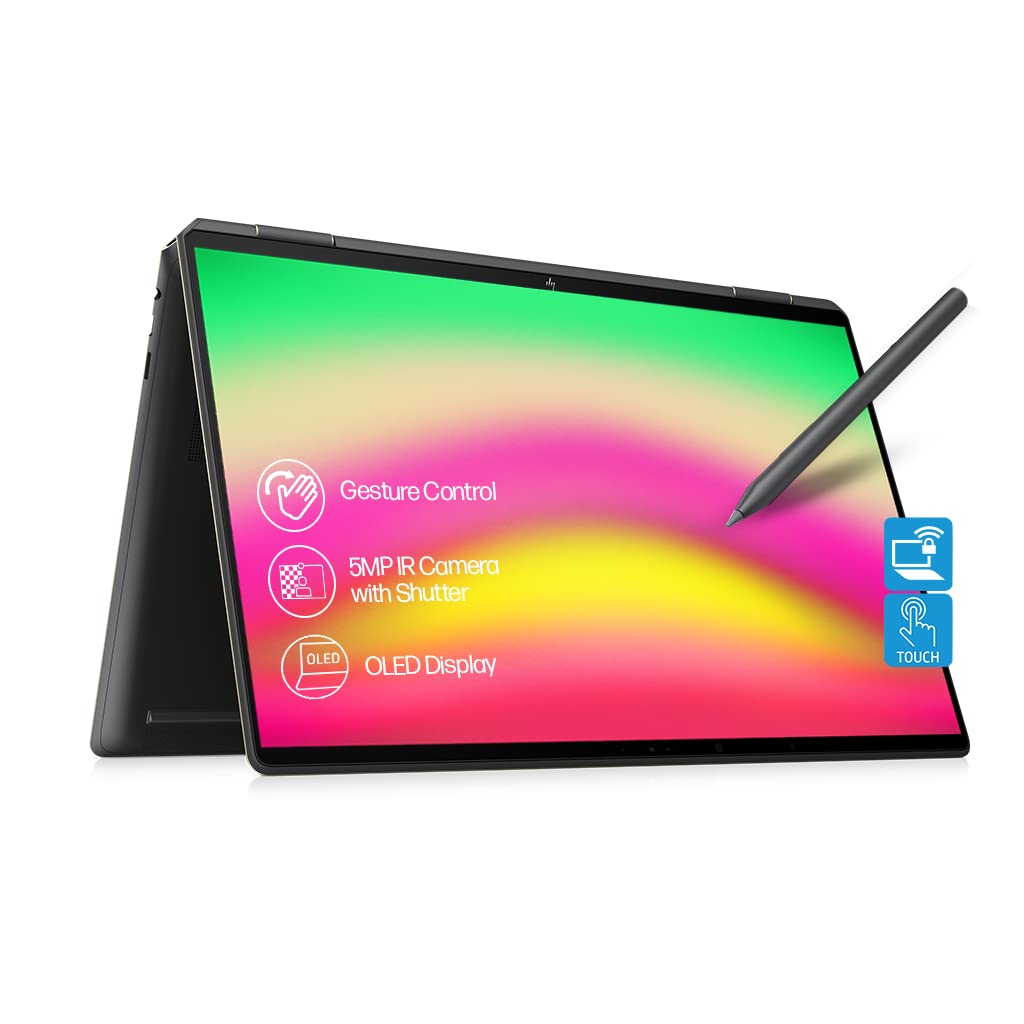
Best 2-in-1 laptop for video editing
Specifications:
- Processor: Intel Core i7-13700H
- RAM: 16GB
- Storage: 1TB SSD
- GPU: Intel Arc / RTX 4050
- Display: 16-inch OLED touchscreen
Design
Convertible design with premium finish.
Display
Excellent OLED touchscreen for creative work.
Performance
Good for moderate video editing tasks.
Gaming Experience
Not designed for gaming.
Cooling
Decent thermal management.
Battery Life
Above average.
Pros
- Flexible design
- Great display
- Lightweight
Cons
- Not ideal for heavy editing
- Expensive
Final Verdict
Best for creators who want flexibility and portability.
5. Lenovo Legion Pro 5
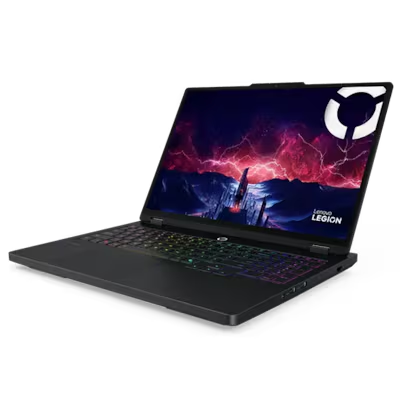
Best gaming laptop for video editing
Specifications:
- Processor: AMD Ryzen 7 7745HX
- RAM: 16GB
- Storage: 1TB SSD
- GPU: RTX 4060 / 4070
- Display: 16-inch WQXGA
Design
Gaming-focused but clean design.
Display
High refresh rate and sharp resolution.
Performance
Excellent for editing and rendering.
Gaming Experience
Top-tier gaming performance.
Cooling
Strong cooling system.
Battery Life
Average.
Pros
- Powerful GPU
- Great cooling
- Good value
Cons
- Heavy
- Battery life could be better
Final Verdict
Perfect if you want both gaming and editing performance.
Best Laptop for Video Editing – Specs Table
| Laptop Model | Processor | RAM | Storage | GPU | Display |
|---|---|---|---|---|---|
| Apple MacBook Pro 16 (M3 Max) | Apple M3 Max | 36GB | 1TB SSD | Integrated (High-end) | 16.2″ Liquid Retina XDR |
| Dell XPS 15 (9530) | Intel i7-13700H | 16GB | 1TB SSD | RTX 4060 | 15.6″ OLED |
| ASUS ROG Zephyrus G14 | Ryzen 9 8945HS | 16GB | 1TB SSD | RTX 4060 | 14″ QHD+ |
| HP Spectre x360 16 | Intel i7-13700H | 16GB | 1TB SSD | Intel Arc / RTX 4050 | 16″ OLED |
| Lenovo Legion Pro 5 | Ryzen 7 7745HX | 16GB | 1TB SSD | RTX 4060 | 16″ WQXGA |
How to Choose the Best Laptop for Video Editing
When buying the best laptop for video editing, focus on:
Processor (CPU)
- Minimum: Intel i5 / Ryzen 5
- Recommended: Intel i7 / Ryzen 7 or higher
RAM
- Minimum: 16GB
- Recommended: 32GB for professionals
Graphics Card (GPU)
- Essential for smooth editing
- Look for RTX 3050 or higher
Storage
- SSD is a must
- Minimum 512GB, ideally 1TB
Display
- Full HD minimum
- OLED or 4K for professionals
Final Thoughts on the Best Laptop for Video Editing
Choosing the best laptop for video editing is about balancing performance, display quality, and budget.
- For professionals → MacBook Pro 16 (M3 Max)
- For Windows users → Dell XPS 15
- For budget power → ASUS ROG Zephyrus G14
- For gaming + editing → Lenovo Legion Pro 5
If you’re just starting, don’t overspend. But if video editing is your career, investing in a powerful laptop will save you time and improve your workflow significantly.